Home / Data Analyst / Formulas HQ
AI data

Formulas HQ
Freemium
AI Coding Tools
AI-powered tool designed to boost your productivity in spreadsheets
Formulas HQ screenShots
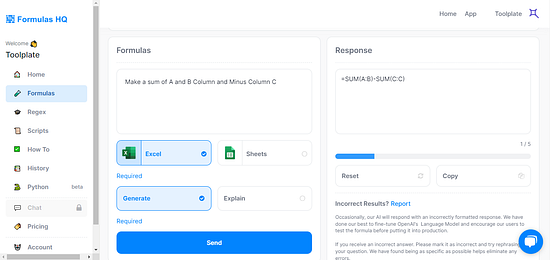
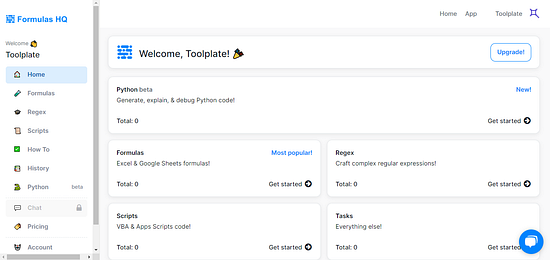
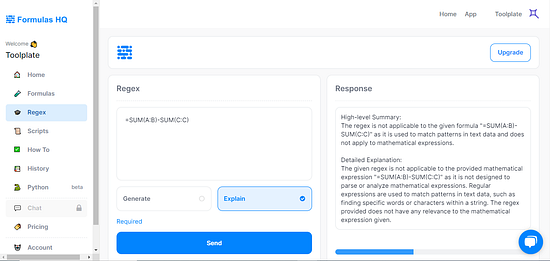
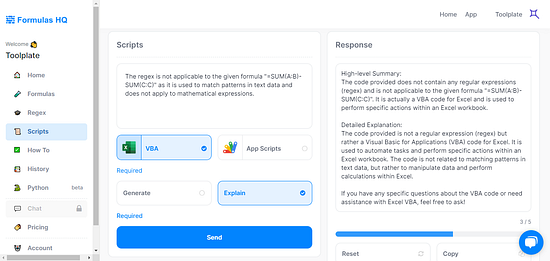
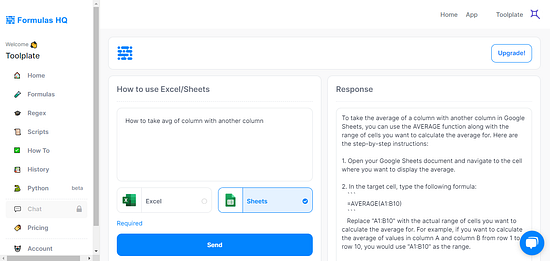
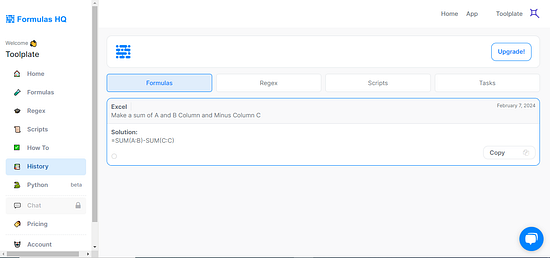
Overview of Formulas HQ
FAQs Of Formulas HQ
Formulas HQ is an AI-powered tool designed to enhance productivity and simplify tasks in spreadsheet applications like Microsoft Excel and Google Sheets. It offers features such as AI-powered formula generation, code generation for VBA and Apps Script, regex pattern building, and integration with ChatGPT for interactive assistance.
Formulas HQ uses artificial intelligence to interpret user inputs in natural language and generate the corresponding formulas in Excel or Google Sheets. Users can describe the calculation or task they want to perform, and the tool provides an accurate spreadsheet formula as output.
Yes, Formulas HQ can generate VBA code for Excel and Apps Script code for Google Sheets, enabling users to automate repetitive tasks, customize functionalities, and enhance their spreadsheets with advanced automation capabilities.
While Formulas HQ is designed to simplify complex tasks, the range of features and the technical nature of some functionalities, like regex pattern building and script generation, may require a learning curve. However, its integration with ChatGPT for guidance makes it accessible to users at different skill levels.
Formulas HQ is designed to work with the most widely used versions of Excel and Google Sheets. However, specific features, especially those involving advanced automation and scripting, may have varying levels of support depending on the version and configuration of the spreadsheet application.
The tool aids in building and simplifying regex (regular expressions) patterns, which can be used for complex text searches, data validation, and formatting tasks. This makes it easier to perform precise data manipulations and ensure data integrity.
Limitations include the dependency on accurate user inputs for generating formulas and scripts, potential complexity for beginners, compatibility issues with certain versions of Excel and Google Sheets, performance with large datasets, and a learning curve for maximizing the use of advanced features.